
Introduction
A commercial LED display can have excellent brightness, premium components, and impressive processing. However, if the LED display viewing distance and pixel pitch do not match the space, the finished installation may not deliver the image quality or return on investment you expected.
This issue matters because LED displays work differently from conventional televisions.
An LED video wall consists of individual pixels spaced at specific distances from one another. That spacing, called pixel pitch, directly affects how close viewers can stand before they begin to notice the individual pixels.
Therefore, choosing the smallest available pixel pitch isn’t always the smartest decision. In many projects, businesses can achieve excellent image quality with a larger pixel pitch while reducing the overall project cost.
At Screen Solutions International (SSI), we evaluate viewing distance early in the design process. We also consider content, display dimensions, ambient lighting, camera use, installation conditions, and budget. Consequently, clients receive a display designed around the actual application rather than an arbitrary specification.
Whether you’re planning a corporate lobby, trade show booth, museum, command center, retail environment, auditorium, or large outdoor installation, this guide will help you understand LED viewing distance and choose the appropriate pixel pitch.
What Is LED Display Viewing Distance?
LED display viewing distance is the distance between the audience and the LED screen.
For example, visitors in a corporate lobby may walk within five feet of a display. Conversely, spectators in an arena may view an LED screen from hundreds of feet away.
Those two applications require very different LED specifications.
Generally:
Closer viewing requires a finer pixel pitch.
Meanwhile:
Longer viewing distances allow a larger pixel pitch.
Therefore, the first question shouldn’t always be, “What resolution should we buy?”
Instead, ask:
“Where will people actually stand when they view the display?”
That simple question can significantly improve the design process.
What Is Pixel Pitch?
Pixel pitch measures the distance between the centers of adjacent LED pixels.
Manufacturers express this measurement in millimeters.
Common commercial pixel pitches include:
- P0.9
- P1.2
- P1.5
- P1.8
- P1.9
- P2.5
- P3.9
- P4
- P6
- P8
- P10
A P1.5 LED display has approximately 1.5 millimeters between pixel centers. Meanwhile, a P4 display has approximately 4 millimeters.
Because the pixels sit closer together on the P1.5 display, it can create a smoother image at a much shorter viewing distance.
However, finer pitch also increases pixel density and usually increases cost.
Consequently, specifying a much finer pitch than the application requires can consume budget without producing meaningful additional business value.
LED Pixel Pitch and Viewing Distance Chart
The following table provides practical starting points for commercial projects.
| Pixel Pitch | Approximate Close Viewing Range | Common Applications |
|---|---|---|
| P0.9 | 3–6 feet | Broadcast, premium boardrooms |
| P1.2 | 4–8 feet | Executive spaces, control rooms |
| P1.5 | 5–10 feet | Corporate lobbies, boardrooms |
| P1.9 | 6–12 feet | Lobbies, museums, retail |
| P2.5 | 8–16 feet | Retail, exhibits, large interiors |
| P3.9–P4 | 12–25 feet | Trade shows, events, large venues |
| P6 | 20–40 feet | Outdoor signage, large venues |
| P8 | 30–60 feet | Outdoor advertising |
| P10 | 40+ feet | Large-format outdoor displays |
These numbers should serve as planning guidelines rather than absolute rules.
Content type, display size, visual acuity, ambient lighting, installation height, and expected image quality also affect the final specification.
Therefore, professional system design remains important.
Why Smaller Pixel Pitch Costs More
A finer-pitch LED display packs more pixels into the same physical area.
For example, imagine two LED walls with identical dimensions.
One uses P1.2 technology.
The other uses P2.5 technology.
The P1.2 wall requires substantially more LED pixels, driver electronics, and processing capability across the same surface area.
Consequently, the finer-pitch system generally costs more.
However, the extra investment may be justified if viewers stand close to the screen or need to read detailed information.
Applications that often justify fine pitch include:
- Executive boardrooms
- Control rooms
- Broadcast studios
- Command centers
- Premium corporate lobbies
- High-end retail
- Detailed visualization environments
On the other hand, an audience viewing a display from 50 feet away may gain little from an extremely fine pixel pitch.
Therefore, the correct question is not, “What is the smallest pixel pitch?”
Instead, ask:
“What pixel pitch provides the image quality this audience needs?”
Viewing Distance for Corporate Lobby LED Displays
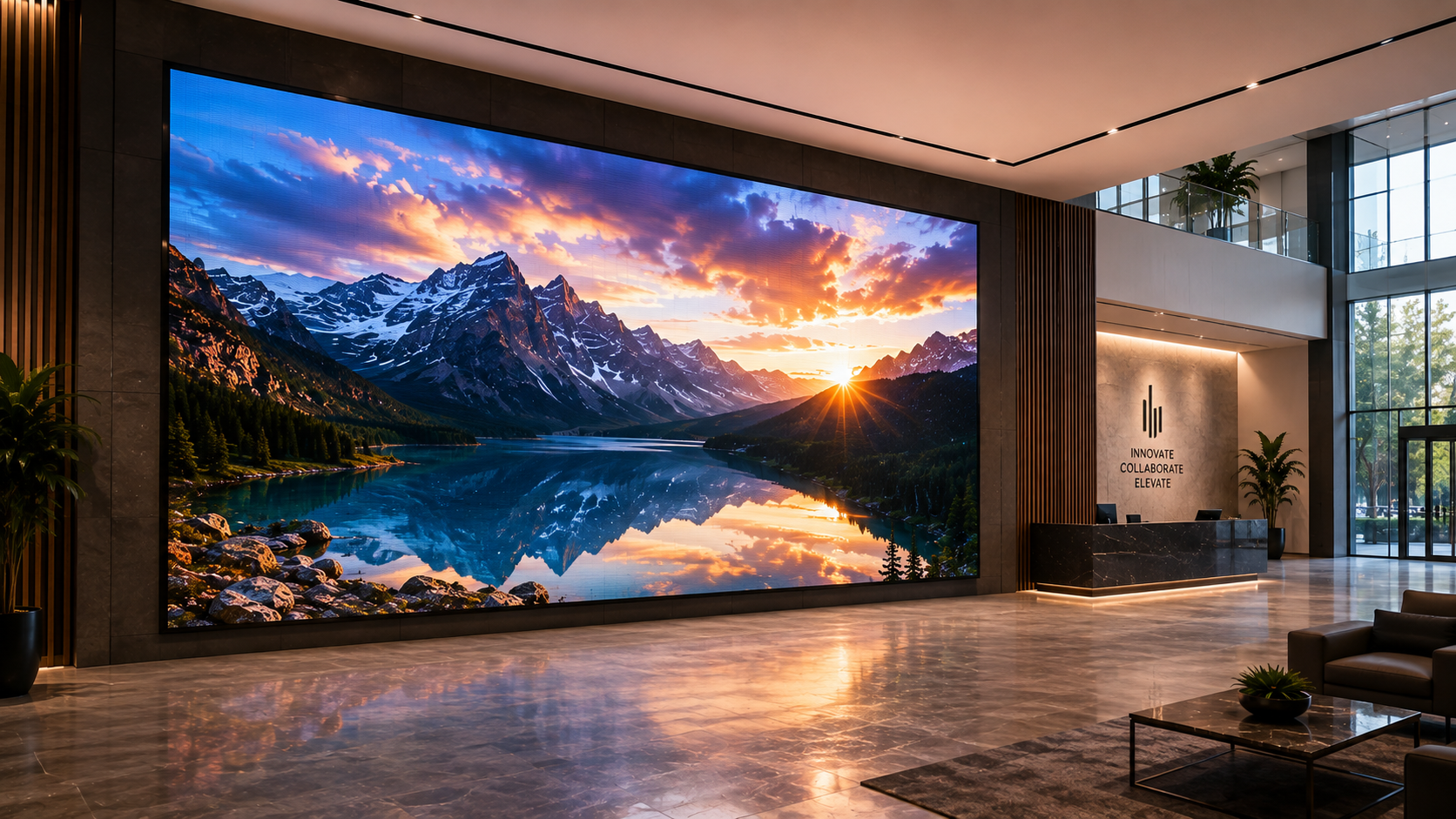
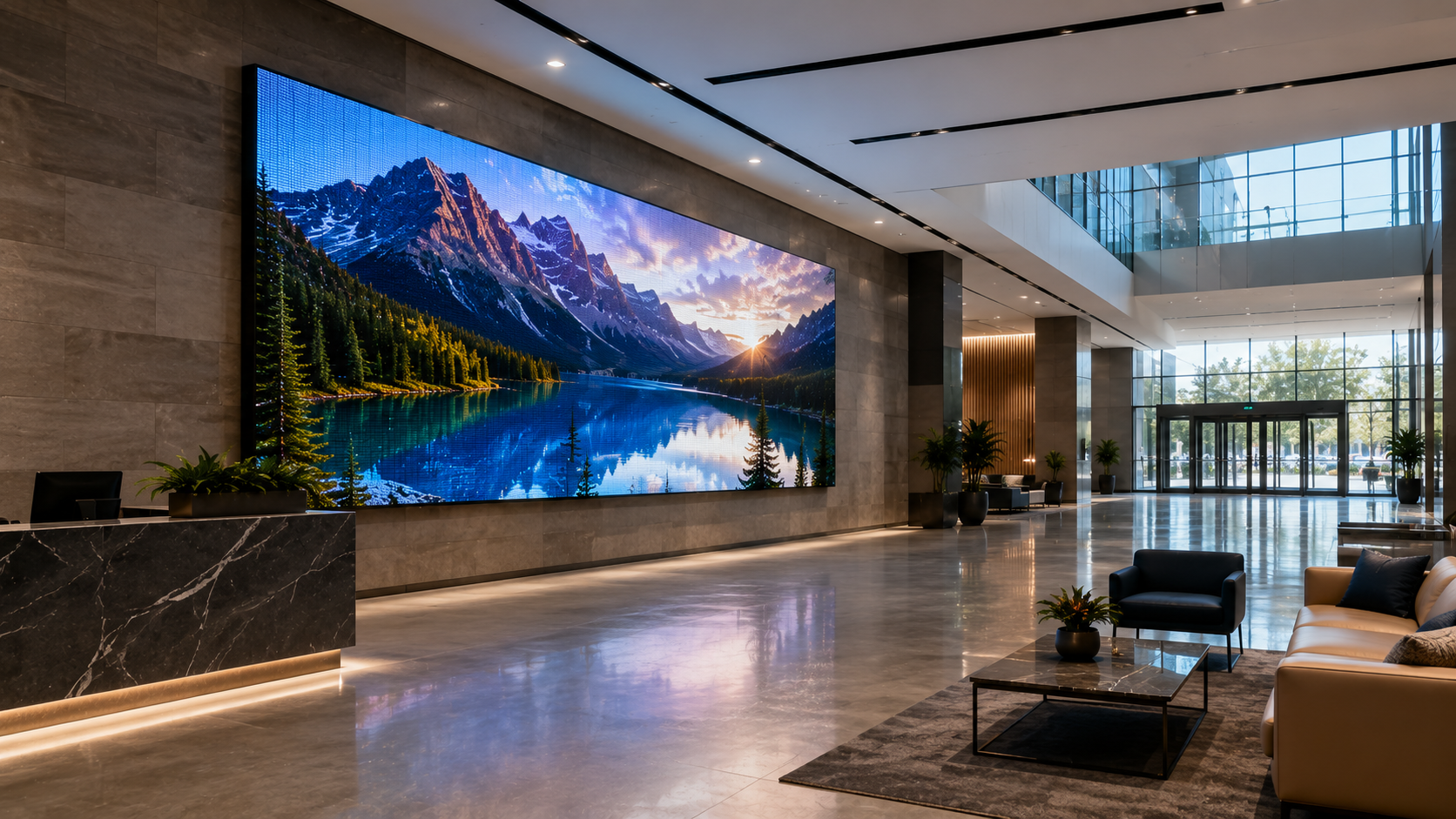
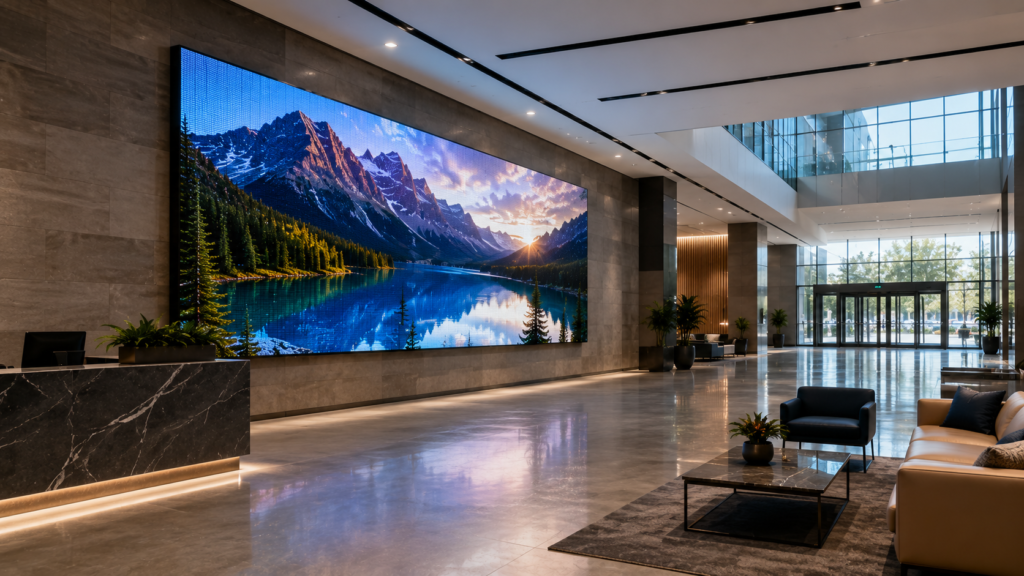
Corporate lobbies represent one of the fastest-growing applications for direct-view LED.
Businesses use lobby displays for:
- Brand storytelling
- Corporate videos
- Welcome messages
- Live company information
- Global location data
- Product presentations
- Digital artwork
- Social content
However, lobby viewing distances can vary dramatically.
A narrow reception area may place visitors only a few feet from the screen. Consequently, P1.2 or P1.5 may make sense.
A large atrium may place most viewers 15 to 30 feet away. Therefore, a larger pixel pitch may provide excellent image quality while reducing costs.
Additionally, consider how people move through the lobby.
A person may first see the display from 50 feet away and eventually walk within six feet of it.
In that case, the design should account for both distances.
Internal SSI Link:
https://ssidisplays.com/ultimate-guide-led-video-walls-2/
Viewing Distance for Boardrooms
Boardrooms require particularly careful planning because viewers sit close to the display.
Furthermore, boardroom content often contains small details.
Examples include:
- Spreadsheets
- Financial dashboards
- Presentations
- Video conferencing
- Engineering drawings
- Charts
- Text
Therefore, fine-pitch LED technology often makes sense.
P0.9, P1.2, and P1.5 systems can provide excellent performance depending on room dimensions and content requirements.
However, the smallest pitch still isn’t automatically necessary.
Instead, evaluate the distance from the closest seating position to the LED wall.
Then, evaluate the type of content employees will actually use.
This approach helps balance performance and budget.
Viewing Distance for Trade Show LED Displays
Trade shows create very different viewing conditions.
Visitors may initially notice your booth from 50 or 100 feet away. However, once they enter the exhibit, they may stand only several feet from the LED wall.
Therefore, trade show displays must perform across multiple viewing distances.
P2.5 and P3.9 LED systems often work well for many trade show applications because they balance:
- Visual impact
- Resolution
- Weight
- Cost
- Modular installation
However, premium exhibits may benefit from finer pitches.
Additionally, camera performance matters because visitors constantly photograph and record trade show displays.
Therefore, pixel pitch should be evaluated alongside refresh rate and processing.
Viewing Distance for Museums and Visitor Centers
Museums often require detailed visuals at relatively close distances.
Visitors may examine:
- Historical photographs
- Maps
- Scientific imagery
- Timelines
- Interactive graphics
- Digital artifacts
Consequently, fine-pitch LED can provide significant value.
However, museums should also consider the intended visitor flow.
If guests approach the display closely, finer pitch improves image smoothness.
Conversely, if the display forms part of a large immersive environment, a slightly larger pitch may provide excellent results.
Internal SSI Link:
https://ssidisplays.com/interactive-display-solutions/
Viewing Distance for Control Rooms
Control rooms demand both detail and reliability.
Operators may spend hours monitoring:
- Camera feeds
- Network information
- Maps
- Dashboards
- Alerts
- Operational data
Therefore, viewing distance should be evaluated from every workstation.
Additionally, text readability becomes especially important.
A display may look impressive when showing video but perform poorly when operators need to read small labels or data points.
Consequently, control room design should consider both viewing distance and content detail before selecting pixel pitch.
Viewing Distance for Outdoor LED Displays
Outdoor LED applications usually involve much greater viewing distances.
For example, a roadside display may be viewed from hundreds of feet away.
Therefore, extremely fine pixel pitch would add substantial cost without delivering meaningful benefits.
Common outdoor pixel pitches may include:
- P4
- P6
- P8
- P10
However, closer outdoor installations can require finer pitches.
A pedestrian-facing outdoor display, for instance, may need significantly more pixel density than a highway billboard.
Therefore, “outdoor” alone doesn’t determine pixel pitch.
Actual viewing distance does.
Display Size Also Matters
Pixel pitch and viewing distance should never be evaluated without considering physical display size.
A massive LED wall can create an impressive experience even when using a larger pixel pitch because viewers naturally stand farther away.
Conversely, a smaller display viewed at close range may require finer pixel density.
Therefore, SSI evaluates three factors together:
- Physical display dimensions
- Pixel pitch
- Viewing distance
This approach creates a more balanced design.
Content Type Can Change the Recommendation
Two businesses can install LED walls of identical dimensions in similar rooms yet require different pixel pitches.
Why?
Because they display different content.
Video and Large Graphics
Large cinematic visuals generally tolerate greater viewing distances and larger pixel pitches.
Small Text
Detailed text benefits from finer pitch.
Data Dashboards
Charts, maps, and operational information often require higher pixel density.
Branding
Large logos and brand videos may perform beautifully on a more economical pixel pitch.
Photography
High-resolution photography can benefit from increased pixel density, particularly at close distances.
Therefore, always define your content strategy before finalizing the LED specification.
LED Pixel Pitch vs. Resolution
Pixel pitch and resolution are related, but they aren’t the same thing.
Pixel pitch measures the physical spacing between pixels.
Resolution describes the total number of pixels across the display.
Therefore, the same pixel pitch can produce different resolutions depending on display size.
For example, increasing the physical dimensions of a P1.5 LED wall increases the total number of pixels.
Consequently, businesses shouldn’t evaluate pixel pitch or resolution independently.
Both specifications should support the desired content and viewing environment.
Can You Buy Too Fine of a Pixel Pitch?
Yes.
Technically, a finer pitch can provide additional pixel density. However, the audience may not perceive the difference at the intended viewing distance.
In that situation, the business pays more without gaining a meaningful visual advantage.
Instead, that budget could potentially support:
- A larger display
- Better processing
- Improved redundancy
- Higher-quality content
- Better mounting
- Spare modules
- Professional installation
Therefore, smart LED design focuses on the entire system rather than chasing the smallest available pixel pitch.
Business ROI: Finding the Pixel Pitch Sweet Spot
The best LED investment delivers the required visual performance without unnecessary cost.
Suppose a corporate lobby project has a fixed budget.
Option A uses an extremely fine pixel pitch but limits the display size.
Option B uses a slightly larger pixel pitch while creating a substantially larger architectural installation.
If visitors typically view the screen from 20 feet away, Option B may create significantly greater impact.
Therefore, pixel pitch decisions should support business objectives.
Ask:
- Will customers notice the difference?
- Will the content require extra detail?
- How close will people stand?
- Will cameras record the display?
- Would a larger display generate greater impact?
- Could the budget improve another part of the system?
These questions often produce better purchasing decisions than specifications alone.
Common Mistakes When Choosing Pixel Pitch
Automatically Choosing the Smallest Pitch
Smaller isn’t always better for the application.
Instead, match pixel density to actual viewing conditions.
Ignoring the Closest Viewer
Average viewing distance matters. However, the closest regular viewer often determines the required image quality.
Ignoring Content
Video and spreadsheets create very different resolution requirements.
Therefore, show your integrator examples of actual content whenever possible.
Comparing Quotes by Pixel Pitch Alone
Two P1.5 LED displays can differ dramatically in quality.
LED components, processing, refresh rate, calibration, cabinet design, warranties, and serviceability all matter.
Forgetting Future Uses
A lobby wall used primarily for branding today may display detailed dashboards or host corporate broadcasts later.
Therefore, consider likely future applications before finalizing the system.
Future Trends in Fine-Pitch LED Displays
Fine-pitch LED technology continues advancing quickly.
Smaller Pixel Pitches
Manufacturers continue developing increasingly dense LED displays.
COB Technology
Chip-on-Board LED technology can provide improved surface protection and support extremely fine pixel pitches.
MicroLED
MicroLED development continues pushing pixel density and image performance.
Better Processing
Advanced processors improve scaling, calibration, HDR, and camera performance.
Lower Costs
As manufacturing improves, fine-pitch technology continues becoming accessible to more commercial applications.
Consequently, businesses will have even more options in the coming years.
Why Choose Screen Solutions International
Selecting the right pixel pitch requires more than reading a specification sheet.
Screen Solutions International evaluates your complete application, including:
- Closest viewing distance
- Average viewing distance
- Display dimensions
- Content type
- Ambient lighting
- Camera requirements
- Installation environment
- Budget
- Future applications
SSI provides:
- Fine-Pitch LED Video Walls
- COB LED Displays
- SMD LED Displays
- Corporate Lobby Displays
- Control Room Displays
- Trade Show LED Displays
- High Bright Displays
- Digital Spheres
- LED Floors
- Interactive Displays
- Custom Experiential Displays
Rather than overspecifying a display, our goal is to identify the configuration that provides the strongest combination of visual quality, reliability, and business value.
Call 888-631-5880 to discuss your LED project with Screen Solutions International.
Frequently Asked Questions
What pixel pitch should I choose for an LED display?
The correct pixel pitch depends primarily on viewing distance, content, display dimensions, and image-quality expectations.
Is P1.5 better than P2.5?
P1.5 provides greater pixel density. However, P2.5 may provide excellent image quality at longer viewing distances while reducing costs.
What pixel pitch works well for corporate lobbies?
Many corporate lobby projects use approximately P1.2 to P2.5, depending on the closest viewing distance and content.
What pixel pitch should I use for a trade show?
P2.5 and P3.9 are common starting points. However, premium close-viewing exhibits may benefit from finer pitches.
What pixel pitch works for outdoor LED displays?
Outdoor systems frequently use P4, P6, P8, or P10. Nevertheless, pedestrian-facing outdoor displays may require finer pitches.
Does smaller pixel pitch mean higher resolution?
For two displays of the same physical size, a smaller pixel pitch generally provides more pixels and therefore greater resolution.
Final Takeaway
Choosing the right LED display viewing distance and pixel pitch can significantly improve both visual performance and ROI.
The goal isn’t to purchase the smallest pixel pitch available.
Instead, choose the pixel pitch that delivers the required image quality at the distances where your audience will actually experience the display.
For close-viewing boardrooms and control rooms, fine-pitch LED can provide exceptional detail. Meanwhile, corporate lobbies, trade shows, museums, retail spaces, and outdoor environments may benefit from different configurations based on audience location and content.
Most importantly, evaluate pixel pitch as part of the entire display system.
Screen size, brightness, processing, refresh rate, content, installation conditions, and future requirements all influence the final result.
Screen Solutions International can evaluate your space and recommend an LED configuration designed around your actual business needs.
Contact 888-631-5880 to start planning your project.
Sources
Internal SSI Sources
- https://ssidisplays.com/
- https://ssidisplays.com/led-video-walls/
- https://ssidisplays.com/ultimate-guide-led-video-walls-2/
- https://ssidisplays.com/how-to-choose-the-right-led-display-for-your-business/
- https://ssidisplays.com/led-display-types-explained/
External Authority Sources
- https://www.avixa.org/
- https://www.infocommshow.org/
- https://digitalsignagefederation.org/
- https://www.smpte.org/
- https://www.dicolorled.com/
Suggested Internal Linking
Link LED video walls to:
https://ssidisplays.com/ultimate-guide-led-video-walls-2/
Link choosing the right LED display to:
https://ssidisplays.com/how-to-choose-the-right-led-display-for-your-business/
Link LED display types to: